Choose the writing system you want
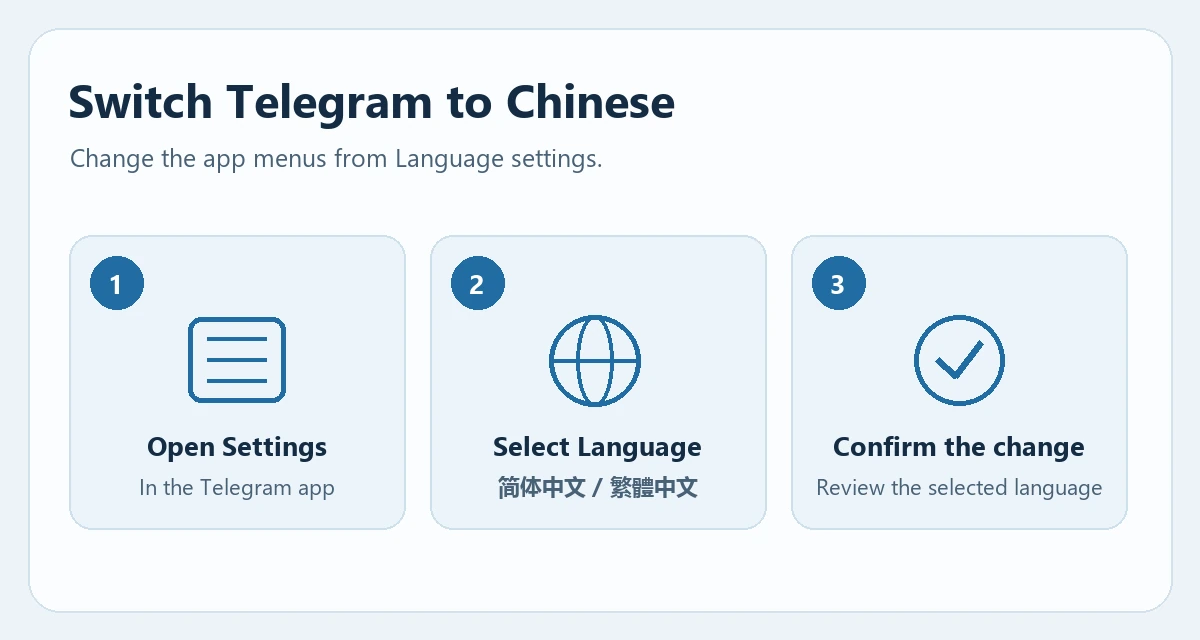
Open Settings in the Telegram app and look for Language. On desktop, start with the main menu. Pick Simplified Chinese for characters such as 设置, or Traditional Chinese if you prefer 設定. The language commonly used in the chats you read can help you choose.
Open a language link if the option is missing
On a device with Telegram installed, open the Simplified Chinese page or the Traditional Chinese page. Select the option to open Telegram if your browser prompts you. Review the language name in the app and apply the change.
If a link stays in your browser, use the Set Language button. When using a different Telegram client, look for the language control in that client’s own settings.
Check the menus and know how to switch back
Return to Settings and check a familiar menu such as Notifications. You can change the language again from the same menu. Check each device separately if you also use Telegram on another phone or computer.
Changing the interface language leaves the text of existing conversations in its original language. To translate a single message, check that message’s menu for Translate.